25 de septiembre de 2026 · 8 min de lectura
Working From Home Alone
Five calls a day and no real conversation. Who remote-work loneliness hits, the two gaps in a home-office day and what an AI companion can and can't fill.
Leer más2 de septiembre de 2026 · 6 min de lectura
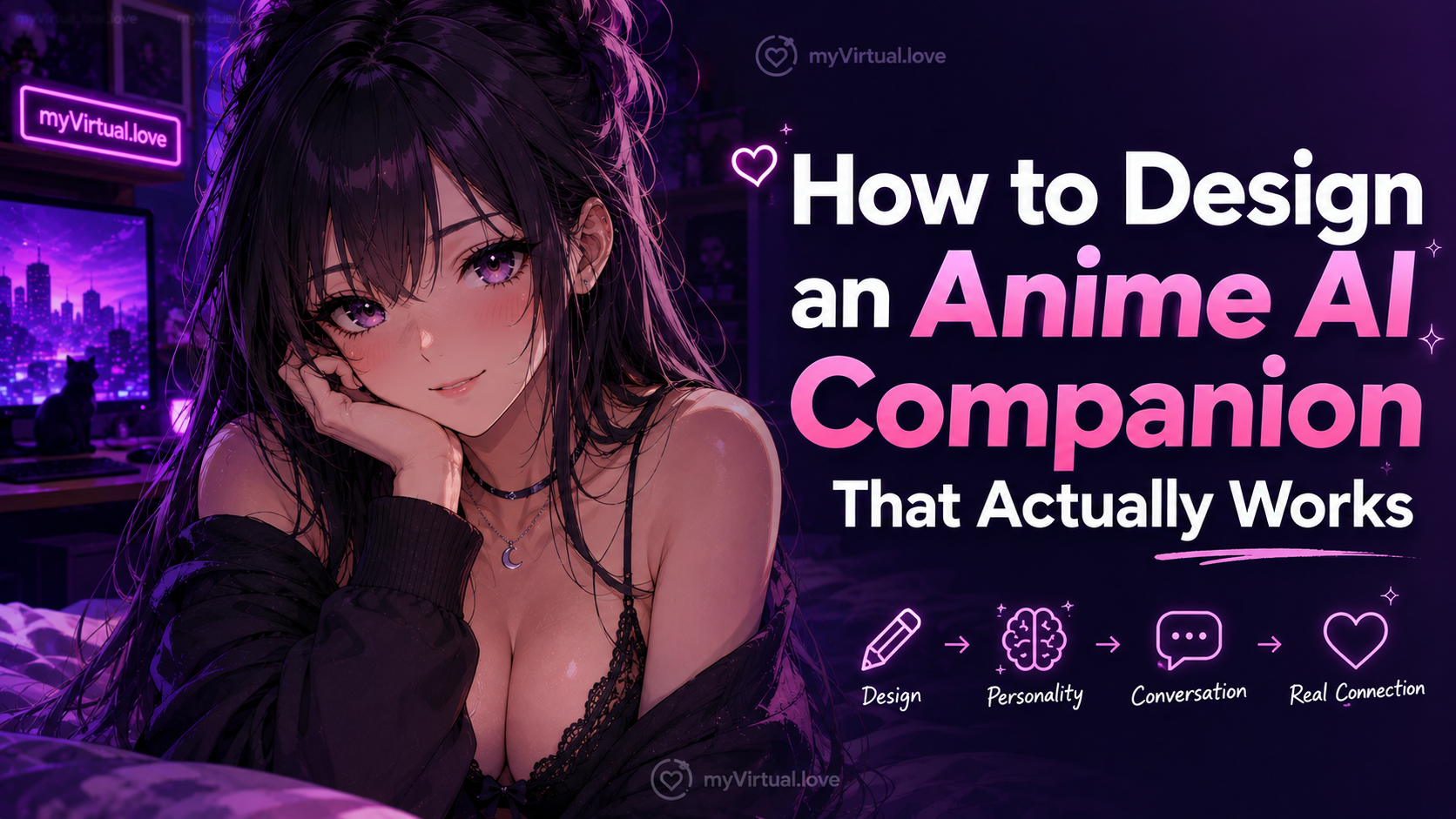
Ask most people what “building an anime companion” means and they’ll picture choosing a face, a hairstyle and an outfit. That’s the setup screen, not the design.
Building an anime companion is closer to sketching a character for a series you’re about to co-write. Appearance is a small part of it. What she sounds like, where she lives, what scenes she’s meant for — that’s what actually shapes the experience once the app is open.
This guide is for anyone about to set one up, or anyone whose current setup hasn’t quite worked. It covers what to decide, in what order, which mistakes to avoid, and what it looks like once it’s working.
Before you touch a setting, decide whether you’re picking from the catalog or building your own.
Picking is faster and often better than people expect. A finished anime character has a coherent look, a written concept and a settled personality. You skip the blank-page problem. She can still develop over time as the memory fills in.
Creating is the right call when you already know what you want and can’t find it in the catalog. A specific look, a specific mood, a specific archetype that isn’t represented. myVirtual.love supports both on paid plans, so building your own is a real option rather than a consolation prize.
Rule of thumb: if you can point at a character in the catalog and say “close enough, I can direct her from here,” pick her. If you keep saying “she’s like that one, except…,” build your own.
If you’re building, resist the urge to specify everything on day one.
Three things matter at setup. Her name, because you’ll type it hundreds of times. Her look, because it defines every image you generate. And her tone, which is a one-line answer to “what kind of person is she?” Bright and playful. Quiet and watchful. Sharp and teasing. Warm and steady. That single phrase does more work than a paragraph of character description, because it’s what your brain uses to predict what she’ll say next.
The rest can develop. Backstory can come out in conversation. Her strengths show up in use. The running references and private jokes accumulate as the memory records them. You don’t need to write a wiki page on day one. Trying to usually leaves you stuck with a version of her personality you’re bored of by week two.
Anime is a stylized medium. Characters inside it read a particular way.
The archetypes that work here are the ones the medium was built to amplify. Cheerful and persistent. Calm and reserved. Quiet and observant. The insufferable energy of an older sister. The steadiness of the girl next door. These read well because the format is designed to carry them. A character conceived as reserved, ironic or emotionally repressed in a naturalistic way will come across as underwritten in anime, because the medium does the opposite of restraint.
None of this means she has to be a stock character. It means the central idea has to fit the format. Once the central idea is clear, you can add contradictions to it. Start with the idea.
The scenes you write shape what the generator produces, especially visually.
Anime does well with scenes that have a strong sense of place. A café in the rain. A rooftop after school. A festival at night. A quiet apartment with a particular quality of light. The more a scene has a named place and a specific mood, the more the generated image reads as a shot rather than a default render.
Anime does less well with scenes that need photographic realism. A candid phone selfie in low light is a realistic brief. Don’t port it to anime and expect the same result. Different medium, different strengths.
If you’re used to telling realistic characters something like “casual selfie in the bathroom mirror, natural light,” adjust for anime. “Late night at the café, the seat by the window, soft light on her hair” is the anime equivalent of that same intimacy. It works because the format was built for it.
On myVirtual.love, images are paid for in hearts. The arithmetic for anime images isn’t very different from realistic ones.
Anime is more forgiving of generation quirks, so you can spend a little more freely on the scenes you want and less on retries. You aren’t firing off five attempts to catch the one where the hand came out right. You choose the moment and let the image come back.
Spend hearts on scenes with a real reason to exist. A specific place she just described. A change of clothes she just mentioned. A moment where the conversation genuinely lifted. Skip the filler shots. Avoid the “show me” message at the start of a session, before anything has happened. An image lands much harder once the conversation has already done its work.
Budget the hearts and spend them on scenes. Putting those two together is what makes an anime companion’s visuals read as specific moments rather than gallery filler.
Honestly, this is what usually goes wrong at the start.
The first mistake is over-specifying at setup. Twenty adjectives, a full backstory, an exhaustive character description. It ends up reading like a character sheet rather than a person, because you never gave her room to reveal anything. Set the tone instead. Let three or four sessions fill in the rest.
The second is treating the image button like a slot machine. “Photo?” every third message. Generation after generation. That’s exactly the behavior a finite budget exists to slow down. It also turns the character into a photo generator rather than a companion.
The third is fighting the medium. Trying to force realistic, photojournalistic scenes out of an anime companion and then blaming the app when the image doesn’t look right. That’s asking a stylized format to do what a different format was designed for.
The fourth is giving up too early and starting over. If it hasn’t come alive after ten messages, that’s not a design problem, it’s a direction problem. Adjust the tone you’re aiming for before you abandon it and start again.
You know it’s working when the character starts to feel like a person you’re talking to rather than a system you’re configuring.
Specifically: when her replies start to surprise you a little. When you recognize her voice from one session to the next. When a generated image arrives and the reaction is “oh, that’s her” rather than “oh, an image.” When you catch yourself thinking about the scene you want to play out with her before you’ve opened the app, not only once you’re inside it.
That’s what a well-designed anime companion is for. The design work at setup exists to make that feeling possible, not to substitute for it. If an app asks you to build a character out of a form and then interact with the form, the design is wrong. If it lets you sketch an opening idea and then play it out with room to develop, the design is right.
myVirtual.love offers both pick-from-catalog and build-your-own for anime characters, so most readers can find their footing whichever way they start. Sketch the idea, spend hearts on moments, and let the memory do the rest.
25 de septiembre de 2026 · 8 min de lectura
Five calls a day and no real conversation. Who remote-work loneliness hits, the two gaps in a home-office day and what an AI companion can and can't fill.
Leer más25 de septiembre de 2026 · 6 min de lectura
Gachikoi, an AI VTuber with a Twitch record and Cambridge's word of the year: what a VTuber gives you, what a companion adds and which crush you have.
Leer más24 de septiembre de 2026 · 8 min de lectura
AI now fakes the photos, messages and voices in romance scams. Seven signs that work whoever is typing, the FBI's 2025 figures and what to do next.
Leer más